A retro terminal for the age of AI
Split panes, per-window profiles, session persistence, and authentic CRT simulation. Built for developers running Claude Code, Gemini CLI, and everything in between.
Why CRT Plus?
I built the terminal I wanted to use every day.
CRT Plus started because I was running half a dozen AI coding agents at once and could not tell my windows apart. Every terminal looked the same. I wanted different phosphor colors per window — green for one project, amber for another — so I could glance at my screen and know where I was.
That idea became an excuse to build something I had wanted for a long time: a terminal that feels like real hardware. The phosphor glow, the scanlines, the slight curvature of glass — not as nostalgia, but because those details make the hours you spend in the terminal feel more considered. More yours.
CRT Plus is a one-person project. I use it as my daily terminal, and every feature exists because I needed it. Split panes, session persistence, clickable file paths — these came from friction I hit in my own workflow, not a product roadmap.


Features
Everything you need from a modern terminal, with the look you've always wanted.
Split Panes
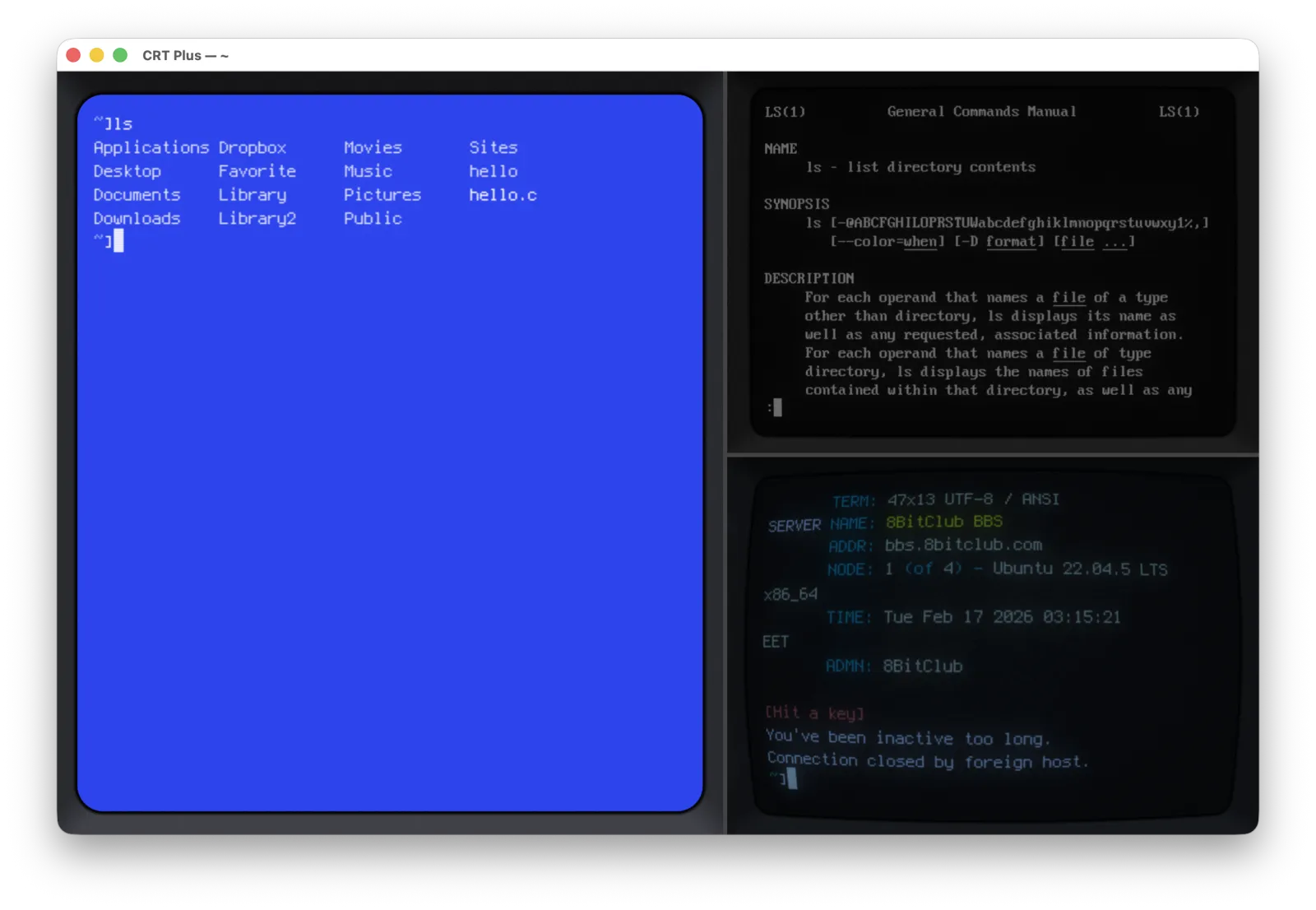
Split your terminal horizontally or vertically with recursive nesting. Navigate with ⌘] and ⌘[, close with ⌘⇧W. Each pane runs its own independent session.
Per-Tab Profiles
Every tab and pane remembers its own profile. Set Default, Update, and Reset buttons give you full control. A star indicator shows your default profile at a glance.
Session Persistence
Your terminal sessions survive app restarts via a background daemon (crt-sessiond). Quit and relaunch — everything is right where you left it.
Clickable Paths & URLs
⌘+click on file paths, URLs, and error locations. Handles spaces, wrapped lines, and quoted paths. Auto-detects Cursor, VS Code, Sublime — or respects $VISUAL/$EDITOR.
Authentic CRT Simulation
Real phosphor glow, scanlines, and screen curvature. The 75Ω/Hi-Z impedance switch simulates CRT input termination — normal or boosted brightness, just like real hardware.
256 Color VGA
A dedicated 256-color VGA profile for when you need full-color output. Perfect for modern CLI tools, syntax highlighting, and everything that expects a real color terminal.
Dock Badge Notifications
Terminal bell triggers dock badge notifications. Tab bar dots indicate pending activity in background tabs. Badges clear automatically when you focus the window.
Dynamic Titles
Window and tab titles auto-update to show the current directory with tilde substitution and running process tracking. Rename any tab with ⌘R.
Drag & Drop
Drop files or folders onto the terminal to insert their path. Drag a folder to the dock icon to open a new window at that location. Right-click any folder in Finder for "New CRT Plus at Folder."
Gallery
CRT Plus in action — from retro aesthetics to modern AI workflows.


Download
Get CRT Plus
Download the installer or build from source.
CRT Plus is free — no trial periods, no nag screens, no telemetry, no analytics, no ads. Nothing phoning home. Every feature here came from my own workflow — no product team, no roadmap, just one developer and an unreasonable number of terminal windows.
If it saves you time or just makes your workflow look cooler, a coffee goes a long way toward keeping the phosphor glowing.
Verify download / build from source
# Install Qt6
brew install qt6

# Clone with submodules
git clone --recursive https://github.com/hotbit9/crt-plus.git
cd crt-plus

# Build and run
qmake6 && make
open crt-plus.app